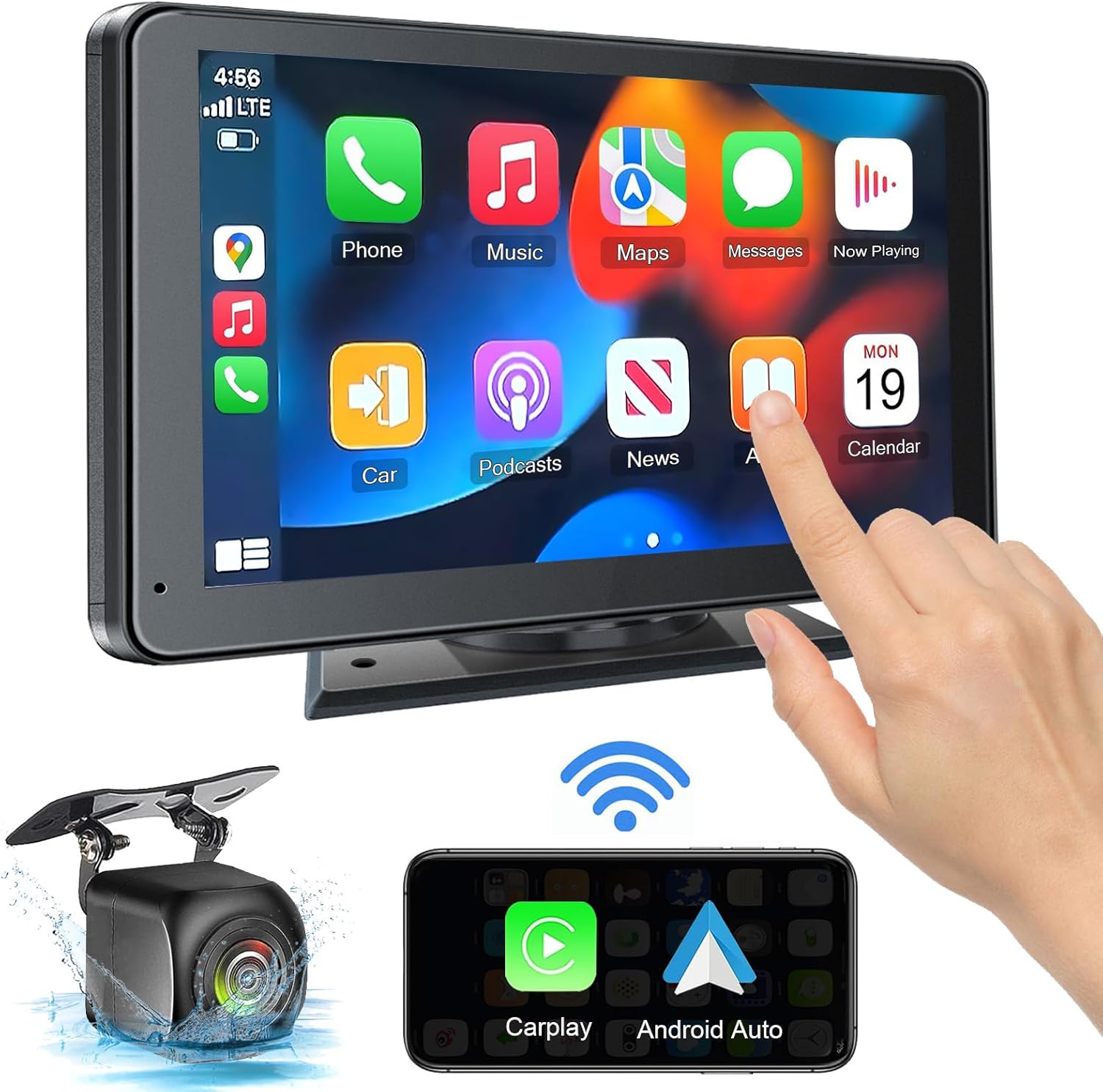
If your portable CarPlay screen isn’t connecting to your phone, please follow these steps in order.
First, ensure your phone’s WiFi and Bluetooth are turned on and functioning normally.
Next, on your iPhone, go to Settings, then General, and select CarPlay. Find your car’s device name and remove it by tapping “Forget This Car.” Then attempt to pair the devices again as a fresh connection.
If the issue continues, fully restart your phone and try the connection process once more. This often resolves temporary software conflicts.

The PASLDA Portable Touchscreen brings wireless CarPlay and Android Auto to almost any vehicle. It’s designed for drivers who want a smarter, safer way to use navigation, make calls, listen to music, and access messages without replacing their car’s built-in stereo.
Simply attach it to your dashboard using the included mount—it works in cars, trucks, RVs, and campers. Once connected, you can use voice commands for hands-free control, play audio through your car speakers via Bluetooth, AUX, or FM transmitter, and even mirror your phone to view select video apps on the go.
The bright HD touchscreen remains clear outdoors, and the included rearview camera makes parking safer, day or night. If you ever need help, dedicated technical support is available along with a lifetime warranty.
It’s a practical upgrade for older vehicles or a flexible solution for use across multiple cars.
