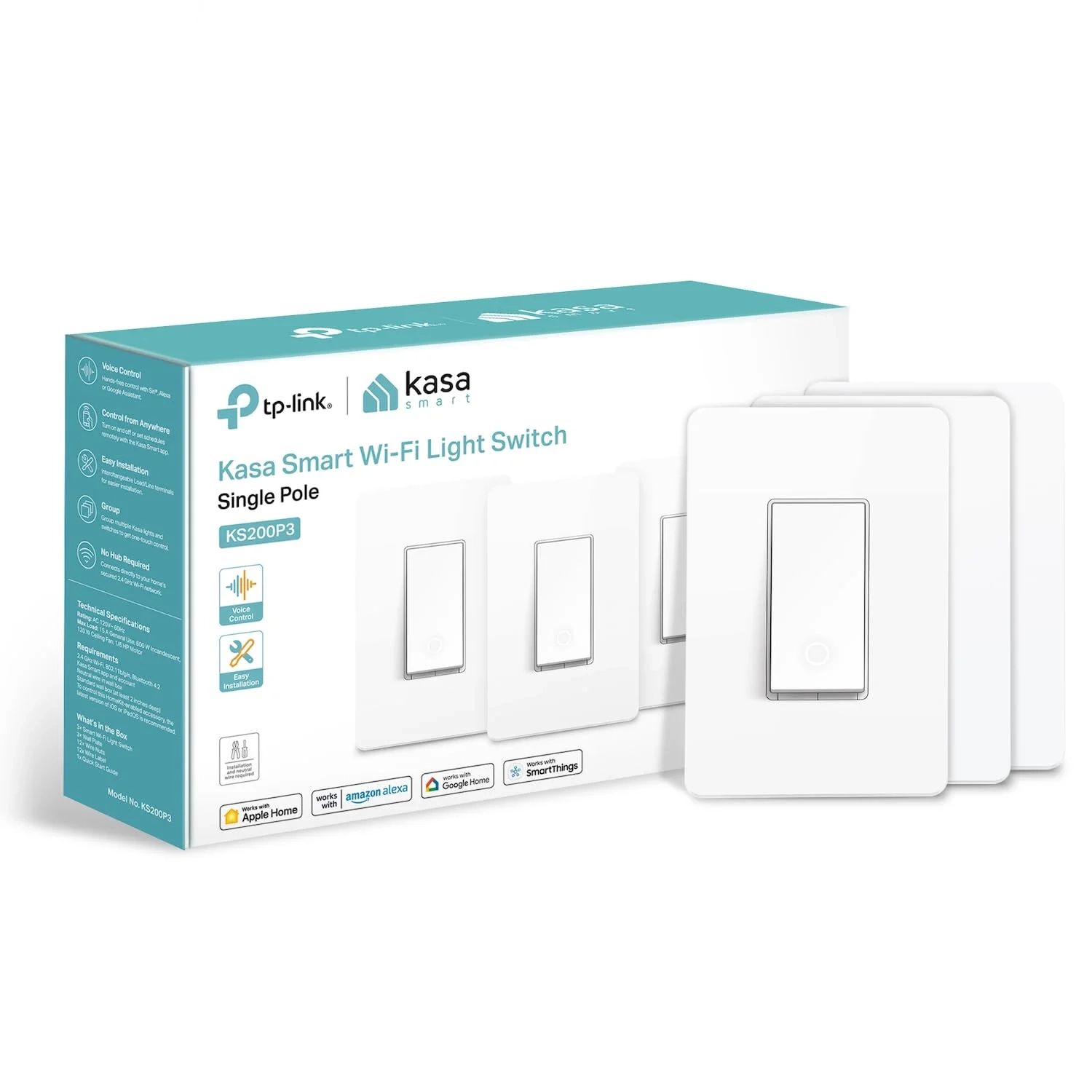
Kasa smart light switch KS200P3 Apple HomeKit Setup
The Kasa Apple HomeKit Smart Light Switch (KS200) is a versatile smart switch that replaces a standard wall switch to provide Wi-Fi control of lights and fixtures. This guide covers its installation, setup via the Kasa app, and features like scheduling and voice control with Siri, Alexa, or Google Assistant.
About This Topic
This guide explains smart light switches that work with Apple HomeKit, focusing on models designed for easy DIY installation and broad Smart Home integration. It is written for anyone looking to upgrade their home lighting with reliable, voice-controlled automation without needing advanced electrical knowledge.
Who This Advice Benefits:
- Homeowners and renters (with permission) seeking to modernize their lighting with smart technology.
- Individuals invested in the Apple ecosystem who want seamless Siri and Home app control.
- Families or individuals looking for added security through automated lighting while away.
- Those who want the convenience of voice control via Alexa or Google Assistant alongside Apple HomeKit.
- First-time smart home users who need a clear, app-guided installation process.
Core Features and Clarifications:
This type of smart switch replaces your standard wall switch to enable remote, schedule, and voice control of your lights. A neutral wire is required for installation in most homes. The installation is simplified through a step-by-step app guide, which walks you through the process and removes confusion about common wiring scenarios like single-pole or 3-way (multi-location) setups.
For full functionality, a 2.4GHz Wi-Fi network is necessary. While the switch itself is Apple HomeKit compatible, using Siri for remote control when you are away from home requires a dedicated home hub—such as a HomePod, HomePod mini, or Apple TV—to be left on and connected in your residence.
Addressing Common Questions:
- “Is this difficult to install?” The process is designed for DIY. The companion app provides visual wiring guides and instructions tailored to your specific setup, making it manageable for most.
- “Can I use it if I don’t have an Apple home hub?” Yes. You can still control the switch locally via the Kasa app, use voice assistants inside your home, and set schedules. However, remote control via the Apple Home app or Siri commands from outside your home requires a HomePod or Apple TV as a hub.
- “How does the security ‘Away Mode’ work?” This feature allows the switch to turn your lights on and off at random intervals during set times, creating the appearance that someone is home, which can deter potential intruders.
- “Can I control it from anywhere?” Yes, with the manufacturer’s app (Kasa App) installed on your smartphone, you can control the switch from any location with an internet connection, regardless of your Apple HomeKit setup.

