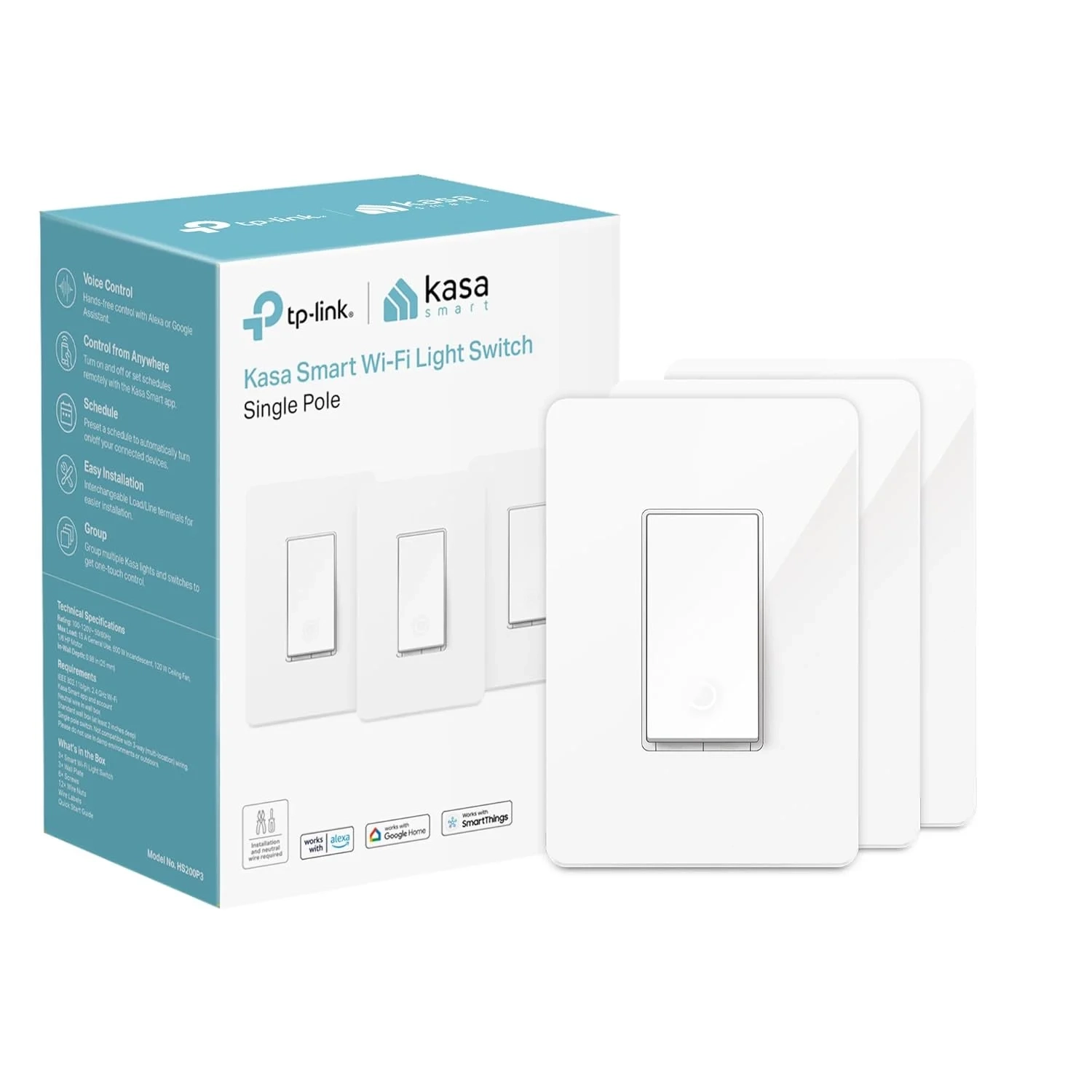
Kasa HS200P3 Single Pole Smart Light Switch Guide
Control your lights, ceiling fans, and other fixtures from anywhere with the Kasa smart Wi-Fi light switches. The smart switches install as easily as a traditional light switch, and connect to your home Wi-Fi in no time through the Kasa Smart app.
About This Topic: Smart Light Switches
This guide provides clear, authoritative information about smart light switches, focusing on Wi-Fi enabled models like those from Kasa and Tapo. It explains how these devices replace traditional wall switches to enable remote, voice, and automated control of your home’s lighting and connected fixtures.
Who This Advice Is For
This information is most valuable for:
- Homeowners and renters (with permission) seeking to upgrade their home’s functionality.
- Individuals interested in home automation, convenience, and potential energy savings.
- Tech-savvy users looking for a DIY-friendly Smart Home entry point.
- Anyone wanting to enhance home security with automated lighting while away or gain the ability to control lights with simple voice commands for a hands-free experience.
Core Capabilities and Benefits
Smart switches offer significant advantages over traditional switches:
- Remote Access & Control: Manage your lights from anywhere using your smartphone. This allows you to turn off a forgotten light from the office, check if you left the porch light on while on vacation, or switch on a lamp before arriving home to a dark house.
- Voice-Activated Convenience: Integrate with Amazon Alexa or Google Assistant for true hands-free operation. This is ideal for turning on lights when your hands are full, controlling hallway lighting without fumbling for a switch, or managing multiple lights through simple voice commands.
- Automated Scheduling: Go beyond simple timers. You can create sunrise/sunset schedules, set a countdown to turn off bedroom lights, or use an “Away Mode” to randomly turn lights on and off to simulate occupancy and deter burglars.
- Simplified Installation (with caveats): Many brands offer app-guided setup, making the process straightforward for those comfortable with basic DIY. However, these devices typically require a neutral wire and a stable 2.4 GHz Wi-Fi network to function.
- Proven Safety and Reliability: Choosing UL-certified products from established brands ensures the device meets stringent electrical safety standards, providing peace of mind for permanent installation in your walls.
Addressing Common Concerns
- “Is the wiring complicated?” While app guidance helps, these switches require a neutral wire (common in homes built after the 1980s) and involve working directly with household electrical lines. If you are unfamiliar with electrical work, consulting a licensed electrician is strongly recommended for safe and correct installation.
- “Will it work with my Wi-Fi?” Smart switches require a 2.4 GHz Wi-Fi band. Most home networks support this, but it’s crucial to verify your router settings, as some modern routers may default to a 5 GHz network.
- “What do I need to get started?” Beyond the switch itself, you will need a compatible smartphone (Android 5.0+ or iOS 10+), a 2.4 GHz Wi-Fi network, and the correct wiring in your wall (standard 100-120V AC power and a neutral wire).

