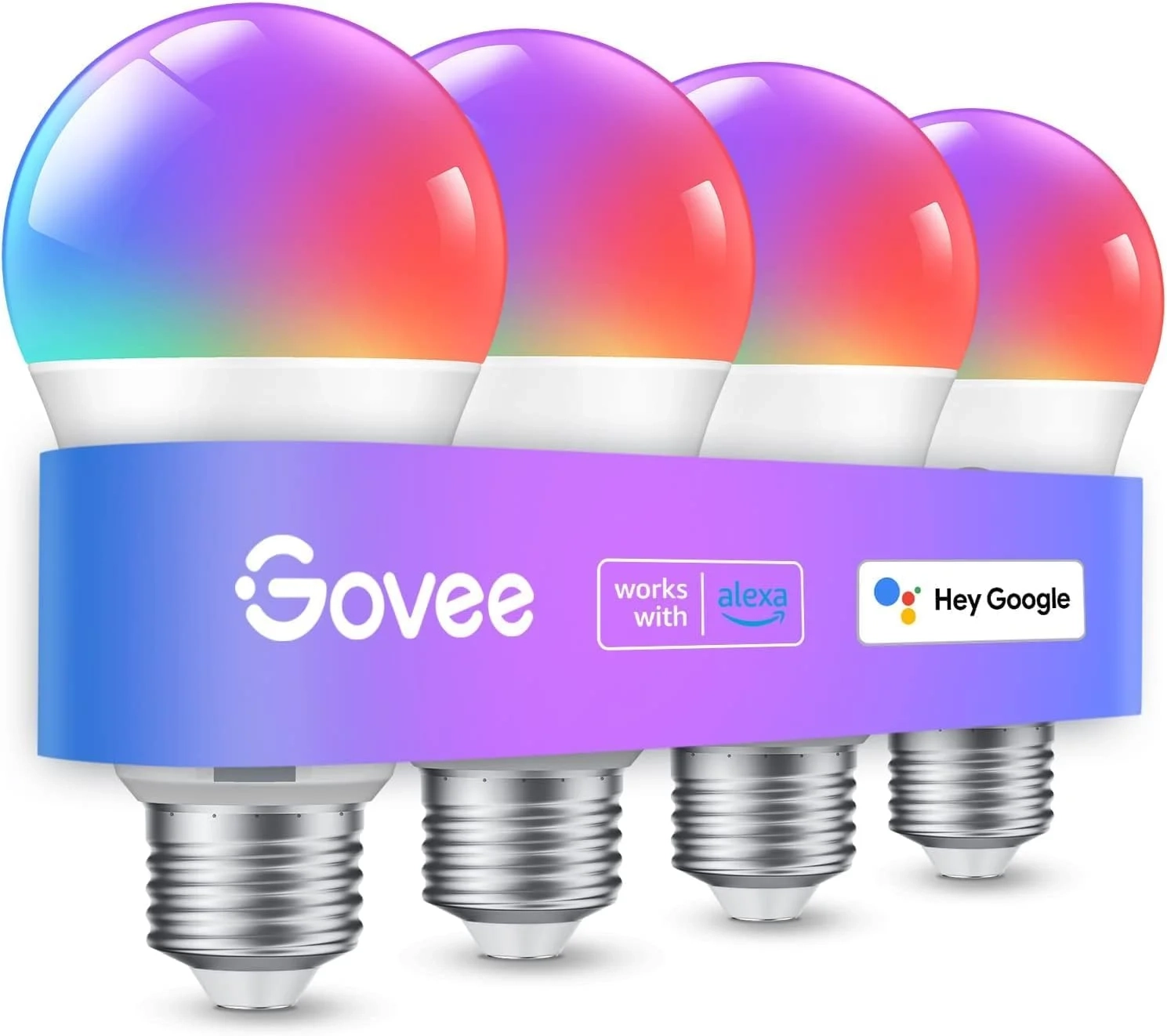
Govee Smart Bulbs: Alexa and Google Assistant Setup
Introduction
Smart lighting has transformed how we illuminate our homes, offering unprecedented control and ambiance. At the forefront of this innovation are Govee smart light bulbs, which provide a vibrant and customizable lighting experience. These bulbs go far beyond simple on and off switches, allowing you to paint your room with millions of colors and sync light to your life’s rhythm.
This guide will explore how to maximize your Govee smart bulbs, from initial setup to advanced features. Whether you’re creating a dynamic party atmosphere or a relaxing evening retreat, understanding these tools unlocks their full potential.
Govee Smart Light Bulb Problems and Solutions
New users sometimes encounter hurdles when setting up their smart lighting system. A common issue is connectivity failure, often because the bulb is trying to connect to a 5GHz WiFi network instead of the required 2.4GHz band. Another frequent question involves the music sync feature not working, which is typically a microphone permission issue within the Govee Home app.
Other concerns include bulbs not responding to voice commands or difficulties with grouping multiple devices for unified control. These problems are usually simple to resolve with the correct steps, ensuring a smooth Smart Home experience.
Step-by-Step Solutions
To avoid common pitfalls and enjoy seamless operation, follow these key steps:
- Ensure 2.4GHz WiFi: Before setup, verify your phone is connected to a 2.4GHz WiFi network. The Govee smart bulb does not support 5G or 5GHz connections.
- Grant Microphone Access: For music sync, you must download the Govee Home App and enable microphone permissions when prompted. The feature won’t work if the microphone is occupied by another app.
- Avoid Smart Switches: For reliable operation, plug your lamp or fixture directly into a wall outlet. Do not connect the bulb to a traditional smart switch, as this can cause malfunctions.
- Use Group Control: To control multiple bulbs as one, use the “Group” function in the app. Ensure all bulbs are on the same stable 2.4GHz network before grouping.
Alternatives and Comparisons
While Govee offers a strong value proposition with features like music sync via phone, other brands compete in the smart lighting space. Philips Hue is a well-known alternative, often praised for its expansive ecosystem and high reliability. However, it typically requires a separate bridge hub and comes at a higher price point.
Another alternative is the TP-Link Kasa series, which offers straightforward Wi-Fi bulbs without a hub but may have fewer color options or scene modes. Govee positions itself effectively by blending a vast color palette, unique features like phone-based music sync, and app control without a mandatory hub, making it a compelling choice in the Smart Home category.
Practical Use Cases
Your Govee smart bulbs can adapt to nearly any moment. Use the 54 preset scene modes to set the perfect mood for a movie night, choosing a soft, dimmed blue. For your morning routine, schedule the “Sunrise” mode to gently brighten, simulating a natural dawn wake-up.
When hosting friends, activate the music sync feature to let your lights pulse and change color with the beat, creating an immersive party atmosphere. You can also group bulbs in your living room to control all ambient lighting with a single voice command or app tap, a perfect example of integrated Wearable Technology and smart home synergy.
FAQs
What is a Govee smart light bulb?
A Govee smart light bulb is a Wi-Fi-enabled, color-changing LED bulb that you control via smartphone app or voice commands. It offers millions of colors, preset lighting scenes, and special features like music synchronization.
How does the Govee music sync feature work?
The music sync feature uses your smartphone’s microphone to detect ambient sound. The Govee Home App then translates the audio beats and rhythms into dynamic light changes. You must enable microphone permissions in the app for it to function.
Is a Govee smart bulb worth it for renters?
Absolutely. Govee smart bulbs are ideal for renters because they require no permanent installation or hardwiring. Simply screw them into existing fixtures, connect to Wi-Fi, and instantly upgrade your space with customizable lighting without altering the property.
Conclusion
Govee smart light bulbs offer a powerful and accessible way to introduce dynamic, colorful lighting into your home. By ensuring proper setup on a 2.4GHz network and leveraging features like scene modes, scheduling, and music sync, you can fully automate and personalize your environment. Whether for practicality or entertainment, these bulbs provide a versatile lighting solution that adapts to your lifestyle.
About This Topic
Govee smart light bulbs are Wi-Fi-connected LED bulbs designed for full-spectrum color customization and automated control. They represent a significant shift from traditional lighting, putting millions of colors and dynamic effects at your fingertips through a dedicated mobile application. This topic covers their core functionalities, setup requirements, and practical applications in everyday life.
This technology benefits a wide range of users. Homeowners and renters looking for an easy smart home upgrade will appreciate the plug-and-play installation. Tech enthusiasts and hobbyists can dive into creating custom color scenes and automations. Even entertainment seekers and hosts will find value in features like voice control and music-reactive lighting for parties.
A key aspect is understanding the requirements for optimal operation. These color changing smart bulbs require a stable 2.4GHz Wi-Fi network and do not function with 5GHz bands. Furthermore, for the popular music sync mode to work, users must grant microphone permissions to the Govee Home App on their device.
A common misconception is that these bulbs work with any smart home setup. It’s important to note that they cannot be used with traditional wired smart switches, as this interrupts the constant power they need. They are best controlled via the app, voice, or their own physical switch left in the “on” position. Addressing these points ensures users have realistic expectations and a smooth experience with their smart lighting system.

